Bulk Screenshots & Recordings Export, Improved Invitations & Live Feed Improvements
This update introduces bulk screenshot and recording exports, a smoother member invitation experience, and clearer Live Feed information for faster day-to-day management.
📦 Bulk Export for Screenshots & Recordings
Downloading screenshots and recordings individually is now a thing of the past. Owners, admins, and team leaders can export captures in bulk, while members can export their own data on eligible paid plans.
- Select a member and date range to create an archive in the background
- Export up to 14 days of screenshots or 3 days of recordings
- Receive an email notification when the archive is ready
- Download links remain available for 7 days
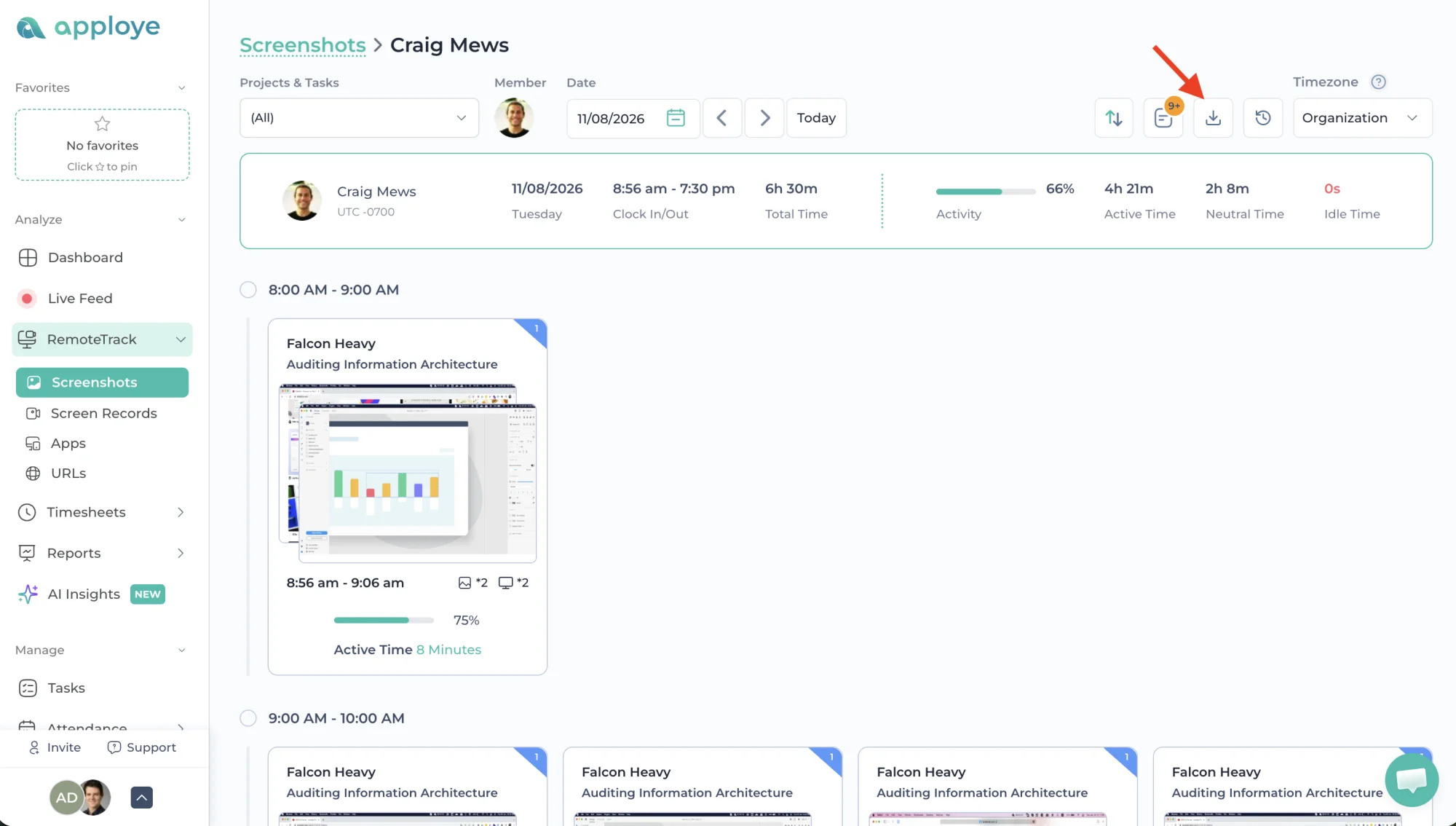
📋 Export History
A dedicated export history keeps track of every export request, including:
- Export progress
- File count
- Archive size
- Download, cancel, or re-run options
- Original filters for easy repeat exports
🎯 Export Specific Captures
You can now select individual screenshots or recordings and export only those captures instead of downloading everything from the selected day.
📁 Filter by Project or Task
Narrow exports by project or task to create focused archives without unrelated captures from the same member.
📊 Archive Manifest
Every archive includes a manifest.csv containing details for each capture, including:
- Member
- Timestamp
- Time zone
- Project
- Task
- Activity
⚙️ Export Limits & Duplicate Handling
To keep exports reliable:
- One export can run per person
- Up to three exports can run per workspace
- Repeating the same export request within an hour returns the existing archive instead of creating another one
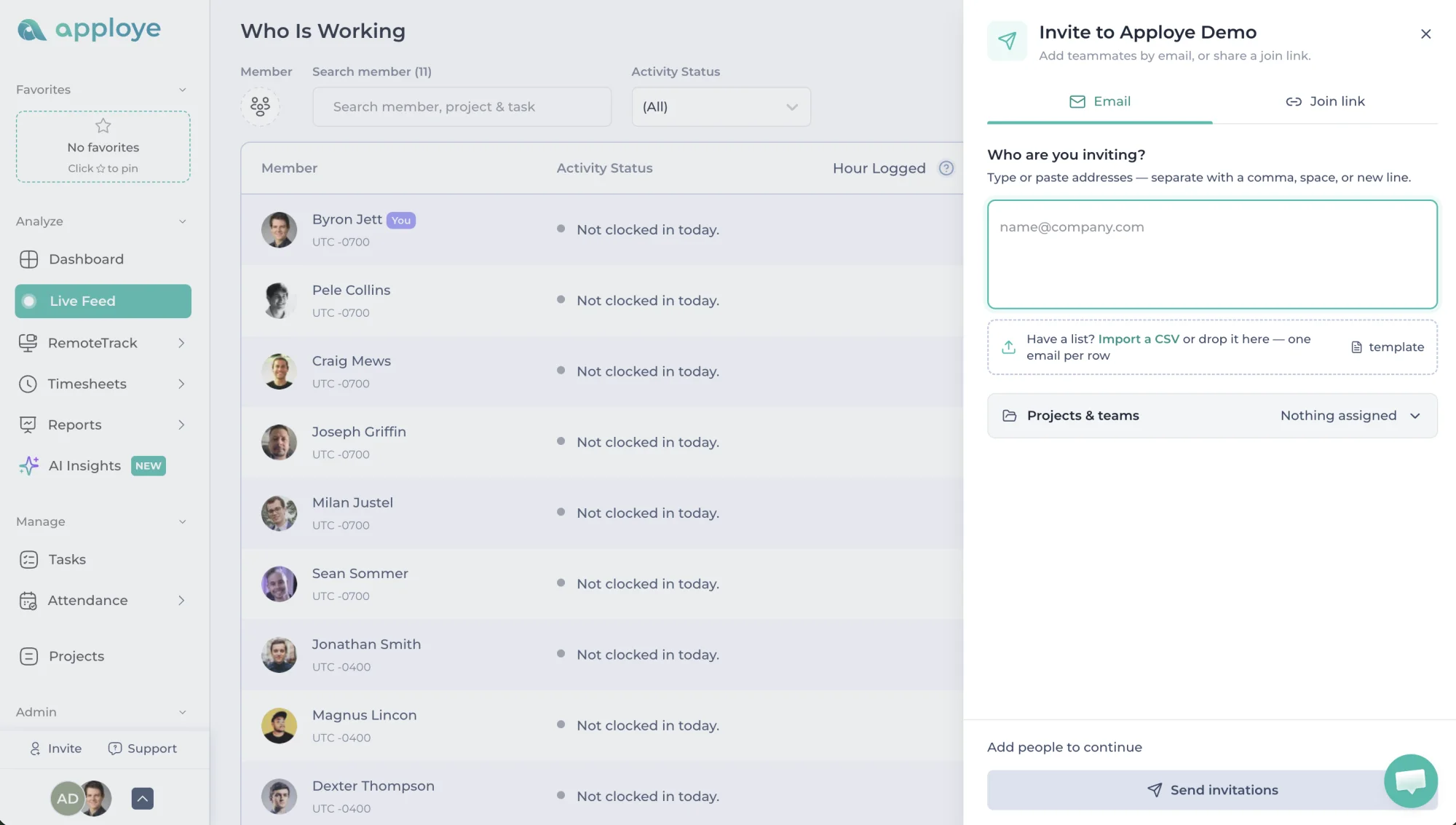
✉️ Improved Member Invitation Flow
Inviting team members is now faster and more flexible.
- Invite from anywhere — Open the invitation form in a drawer without leaving the current page
- Better multi-member management — Add and manage multiple team members more easily
- Individual invitation status — See the result of each invitation separately
- Invite with a link — Share a ready-to-copy invitation link and message
🟢 Live Feed & Who Is Working
The Live Feed has also been refined to make team activity easier to scan.
- Clear status indicators — Colored status dots make working, idle, and offline members easy to distinguish
- Faster scanning — Logged hours are now shown before project and task details
- Better name visibility — Long member names now wrap properly instead of being cut off